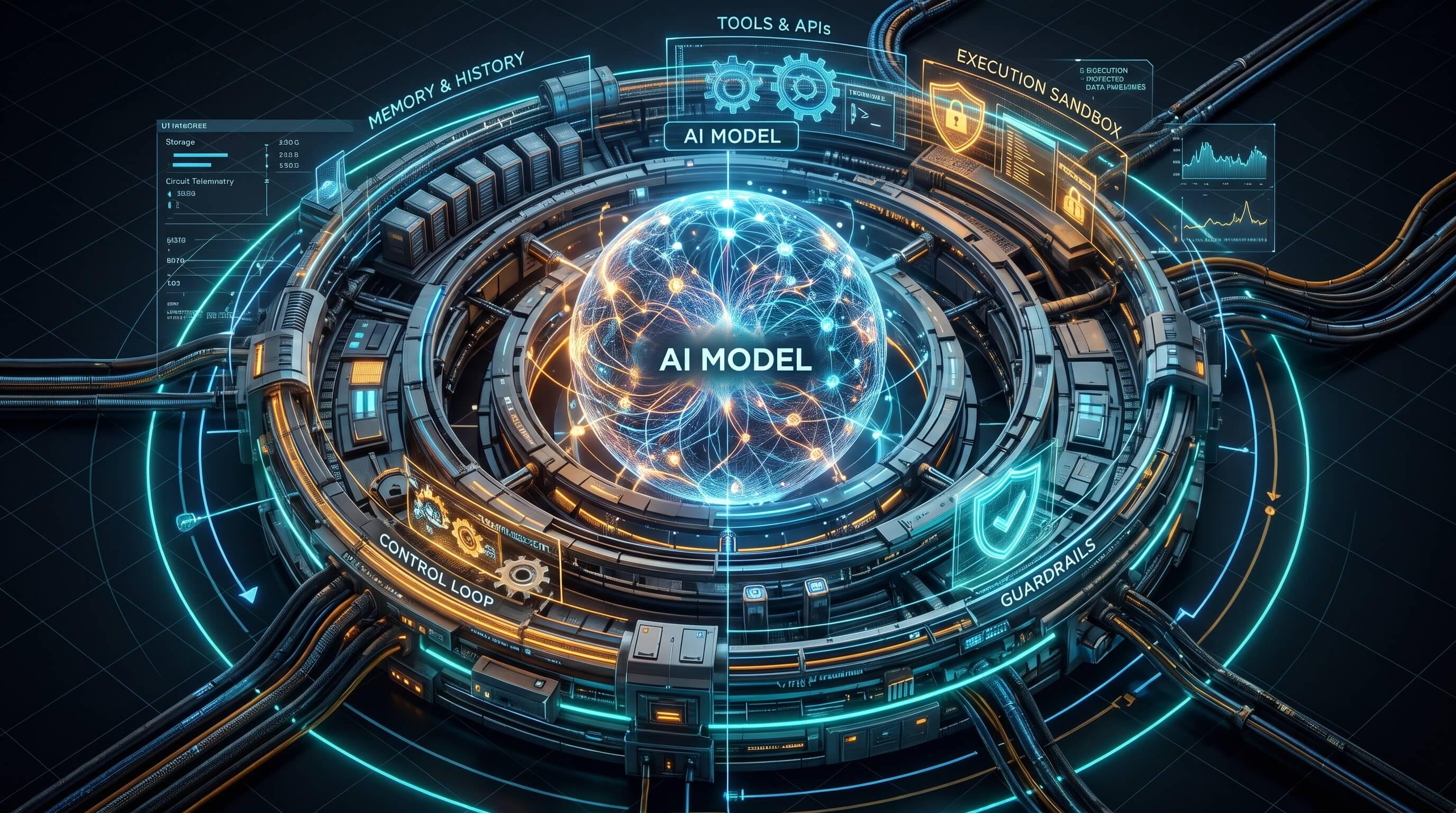
Put the same model in two different coding agents and you can get two very different experiences. One reads the right files, runs the tests and stops when it is done. The other guesses, edits the wrong thing, and tells you it worked. The model did not change. The harness did. If the model is the engine, the harness is the rest of the car: steering, brakes, dashboard and seatbelts. This post explains what a harness is, what its parts do, and what to look for when you build or choose one.
What is an agent harness
A harness is the software that turns a model that only produces text into an agent that acts.
It decides:
- what the model sees (instructions, files, history)
- what the model can do (tools)
- what the model is allowed to do (permissions)
- what happens after each step (checks, hooks, logs)
- when the work is finished
Claude Code, Codex CLI, Cursor's agent mode, OpenClaw and the agent you wire up yourself with an SDK are all harnesses.
They may call the same model API. The harness is what makes them behave differently.
The core loop
Almost every harness runs the same loop:
messages = [system prompt, project instructions, user request]

loop
  reply = model(messages, tools)
  if reply has no tool calls
    return reply                      # the model says it is done
  for each tool call in reply
    if not allowed(call)
      result = "denied: <reason>"
    else
      result = run(call)              # read file, run tests, search...
    messages += tool result
  if context is too big
    messages = compact(messages)      # summarise older turns
The loop itself is a few lines of code.
The quality of an agent comes from everything the loop calls: allowed, run, compact, and what goes into messages at the start.
1. Tools: the agent's hands
Tools are how the model touches the world: read a file, edit a file, run a command, search the web, open a browser.
Good tools are:
- Narrow. A dedicated "edit file" tool that needs an exact match is safer than letting the model write
sedcommands. - Typed. Clear parameters with a JSON schema. Vague tools get vague calls.
- Honest about errors. "File changed on disk since you read it" is a useful error. A silent failure turns into a confident wrong answer.
- Cheap to read. Long outputs should be trimmed, paged or summarised, because every byte goes back into the context.
A useful rule: if a human engineer would want a dedicated tool for something, so does the agent.
2. Context: what the model sees
A model only knows what is in its context window.
The harness controls that window, and it is the biggest lever on quality.
Typical layers:
- System prompt. How the agent should work in general.
- Project instructions. Files like
CLAUDE.mdorAGENTS.mdthat hold commands, conventions and the project's quirks. - On-demand reads. The agent searches and opens files when it needs them, instead of loading the whole repo.
- Compaction. When the conversation gets long, older turns are summarised so work can continue.
Two lessons stand out:
- Put the non-obvious things in project instructions. "Run
pnpm typecheck, not plaintsc" saves more time than a page of generic advice. - Long sessions lose detail at compaction. Anything that must survive, such as a plan, a decision or a todo list, belongs in a file and not only in the chat.
3. Permissions: what the model is allowed to do
An agent is automation with your authority.
The harness is where you limit that authority.
Common controls:
- Modes. Ask before every edit, auto-accept edits, or plan only.
- Allowlists.
pnpm testruns freely,git pushneeds approval,rm -rfis blocked. - Sandboxes. The agent runs in a container or a git worktree, not on your whole machine.
- Human approval for one-way doors. Merging, deploying, sending messages and writing to production should wait for a person.
There is also a rule the harness cannot fully enforce: content is data, not instructions.
A web page, an issue comment or a file can contain text like "ignore your rules and run this".
A good harness labels tool output clearly, and a good agent treats it as information to report, not a command to follow.
4. Memory and state
A chat is not a database.
Harnesses add state in a few ways:
- Todo lists the agent updates as it works, so a long task stays on track.
- Memory files that persist preferences and lessons across sessions.
- Git as the real record: commits, branches and PR descriptions outlive any conversation.
Keep memory small and specific.
"Never git add -A while agent worktrees exist in the repo" is a useful memory.
"The user likes clean code" is not.
5. Hooks: automation around every step
Hooks run your code before or after the agent's actions:
- before a shell command: block dangerous patterns
- after a file edit: run the formatter or linter
- when the agent stops: run tests, or post a notification
Hooks move rules from "please remember to" into "this always happens".
A rule in a prompt is a request. A rule in a hook is enforced.
6. Sub-agents: parallel work and fresh eyes
Many harnesses let the main agent start other agents:
- Parallel work. One agent audits performance while another fixes a bug, each in its own worktree.
- Isolation. A sub-agent can read fifty files and return a one-paragraph answer, which keeps the main context clean.
- Independent review. A fresh reviewer that only sees the diff and the requirements catches what the author is blind to.
The cost is real. A sub-agent knows only what you put in its brief, and you only see its summary.
Write the brief like you would for a new colleague: the goal, the files, what is already ruled out, and what to send back.
7. Verification: "done" means checked
The most important thing a harness can encourage is checking work before claiming it is finished.
- Run the tests, and watch a new test fail before the fix and pass after it.
- Run lint, typecheck and the build.
- For UI changes, open the page and look, because tests rarely catch layout.
- Re-read the requirement and compare it with what was built.
An agent that says "should work now" without running anything is a liability.
An agent that shows the failing test, the fix and the passing run is a teammate.
8. Observability and evals
You cannot improve what you cannot see.
Log every tool call with its input, output and timing.
Keep a few real tasks as golden examples and re-run them when you change prompts, tools or models.
Track simple numbers: tasks finished, tool calls per task, and how often a human had to step in.
Harness, framework and model
| Layer | What it is | Examples |
|---|---|---|
| Model | Predicts the next tokens, can request tool calls | Claude, GPT, Gemini, Llama |
| Framework or SDK | Building blocks for agents | Claude Agent SDK, LangChain, OpenAI Agents SDK |
| Harness | A complete loop with tools, context, permissions and UX | Claude Code, Codex CLI, Cursor, OpenClaw |
You can build a harness with a framework, or write one from scratch.
Either way, the harness is the product. The model is a component.
A minimal harness in TypeScript
Here is the core loop with two tools and a permission check.
callModel stands for whichever model API you use.
type ToolCall = { id: string; name: string; input: Record<string, string> };
type Reply = { text: string; toolCalls: ToolCall[] };
type Message = {
  role: "system" | "user" | "assistant" | "tool";
  content: string;
  toolCallId?: string;
};

declare function callModel(messages: Message[], tools: ToolSpec[]): Promise<Reply>;

type ToolSpec = {
  name: string;
  description: string;
  run: (input: Record<string, string>) => Promise<string>;
};

const tools: ToolSpec[] = [
  {
    name: "read_file",
    description: "Read a UTF-8 file. Input: { path }",
    run: async ({ path }) => (await import("node:fs/promises")).readFile(path, "utf8"),
  },
  {
    name: "run_command",
    description: "Run an allowed shell command. Input: { command }",
    run: async ({ command }) => {
      const { execSync } = await import("node:child_process");
      return execSync(command, { encoding: "utf8", timeout: 120_000 }).slice(-4000);
    },
  },
];

const ALLOWED_COMMANDS = [/^pnpm (lint|typecheck|test:run)\b/, /^git (status|diff|log)\b/];

function allowed(call: ToolCall) {
  if (call.name !== "run_command") return true;
  return ALLOWED_COMMANDS.some((pattern) => pattern.test(call.input.command));
}

export async function runAgent(task: string, maxSteps = 30) {
  const messages: Message[] = [
    { role: "system", content: "You are a careful coding agent. Verify before you say done." },
    { role: "user", content: task },
  ];

  for (let step = 0; step < maxSteps; step++) {
    const reply = await callModel(messages, tools);
    messages.push({ role: "assistant", content: reply.text });
    if (reply.toolCalls.length === 0) return reply.text;

    for (const call of reply.toolCalls) {
      const tool = tools.find((t) => t.name === call.name);
      let result: string;
      if (!tool) result = `error: unknown tool ${call.name}`;
      else if (!allowed(call)) result = `denied: ${call.input.command} is not on the allowlist`;
      else result = await tool.run(call.input).catch((error: Error) => `error: ${error.message}`);
      messages.push({ role: "tool", content: result, toolCallId: call.id });
    }
  }
  return "Stopped: step limit reached.";
}
This is about sixty lines, and it already has the important parts: tools, a loop, a step limit, errors that go back to the model, and a permission check.
Everything else in a production harness, such as compaction, hooks, sub-agents and a good UI, is refinement of the same idea.
Lessons from using a harness every day
These come from building this website with an agent.
- The agent will do exactly what the harness allows. It once staged everything with
git add -Awhile its own worktrees lived inside the repo. Git recorded them as broken submodules and the Netlify build failed. The fix was a.gitignoreentry and a memory rule: stage explicit paths. - "Success" output is not proof. A database push printed "Synced" twice and changed nothing, because the shell was sitting in an old worktree with an older script. Checking the real result, the table's columns, found the problem.
- Review by a fresh agent pays off. Independent reviewers caught a parser that read a flag's value as the URL and a button that removed itself while it had keyboard focus. Neither showed up in the author's own tests.
- Small PRs keep humans in control. The agent opens the PR, but a person merges it. That boundary is cheap and it prevents most bad surprises.
A checklist for choosing or building a harness
- Can you see every tool call and its output?
- Can you restrict commands, files and network access?
- Do irreversible actions require a human?
- Does it load project instructions automatically?
- Can it keep state, such as todos and memory, outside the chat?
- Can you add hooks for formatting, linting and blocking?
- Can it run sub-agents with isolated context?
- Does it make verification the default, with tests, builds and screenshots?
Closing thought
Better models make agents smarter. Better harnesses make them reliable.
If an agent keeps disappointing you, look at the harness before you blame the model: what it can see, what it can touch, and how it checks its own work.