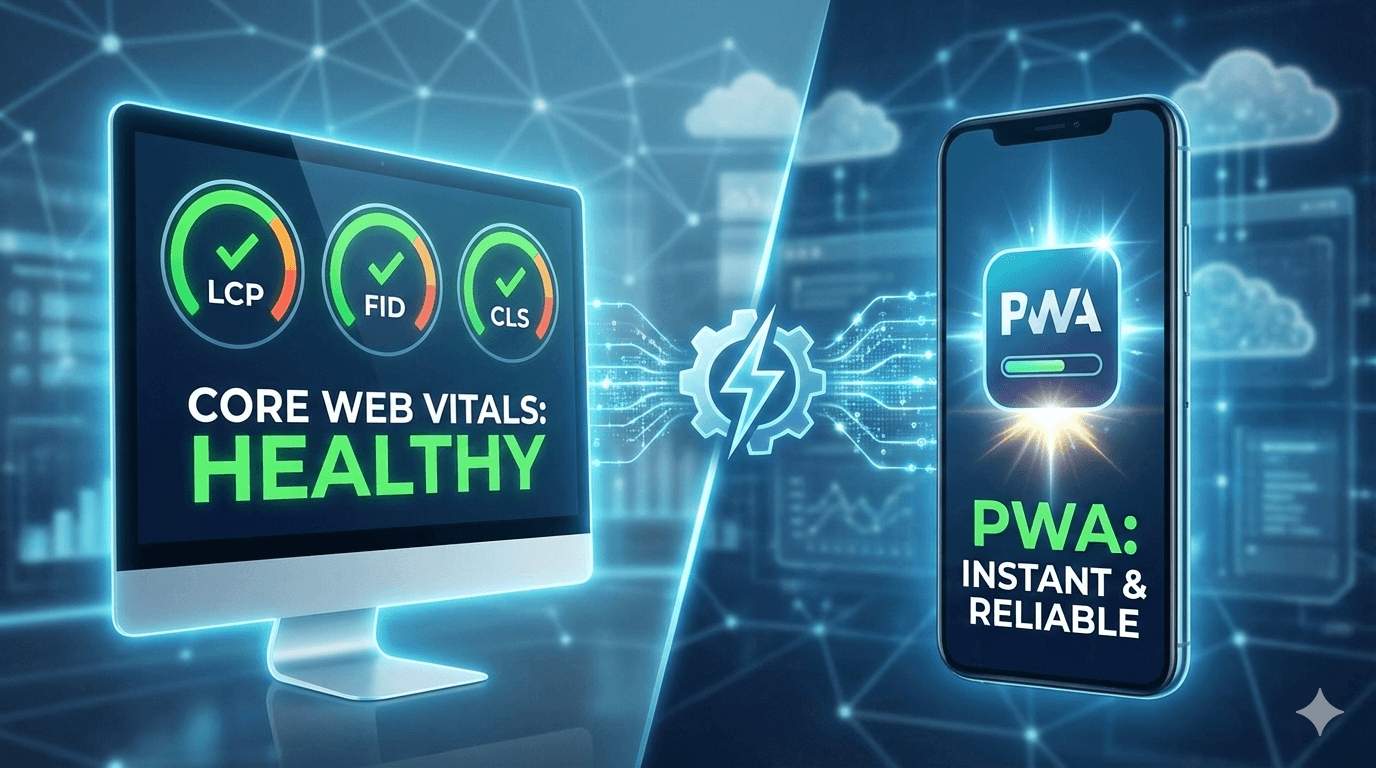
Core Web Vitals (CWV) answer one question: does your site feel fast and stable for real users?
Progressive Web Apps (PWA) answer another: can your site behave like a reliable app—installable, resilient, and usable even on bad networks?
When you combine both, you’re not “optimizing for Google”—you’re optimizing for people.
Publishing this post in this repo
This repo’s blog renderer expects HTML (or plain text), not Markdown. If you want to publish this Markdown as-is, convert it to HTML first (for example via the site’s /tools/markdown preview tool), then paste the HTML into the admin editor.
1) Core Web Vitals: what they are (and what “p75” means)
CWV are measured at p75 (75th percentile): 75% of visits are better than that value, 25% are worse. That’s important because it pushes you to optimize for typical and slightly-worse-than-typical real conditions—not just your fast laptop.
The big three
- LCP (Largest Contentful Paint): “When the main content is visible.”
Target: ≤ 2.5s good, 2.5–4s needs improvement, > 4s poor.
- CLS (Cumulative Layout Shift): “How much the page jumps around.”
Target: ≤ 0.1 good, 0.1–0.25 needs improvement, > 0.25 poor.
- INP (Interaction to Next Paint): “How quickly the UI responds to input.”
Target: ≤ 200ms good, 200–500ms needs improvement, > 500ms poor.
Two “diagnostic” vitals you still should watch
- FCP (First Contentful Paint): first text/image appears (perceived speed).
- TTFB (Time to First Byte): server response time (foundation for everything else).
2) Measuring CWV properly: lab vs field
There are two worlds:
- Lab data (synthetic): Lighthouse, WebPageTest. Great for debugging locally and catching regressions early.
- Field data (real users / RUM): the truth. This captures slow devices, flaky networks, extensions, and real behavior.
Best practice: use both.
A simple measurement loop that actually works
- Track p75 for CWV (field).
- When a metric degrades, use lab tools to reproduce and locate the cause.
- Fix the root, not the symptom.
- Keep a tight feedback loop (small changes, frequent checks).
3) Improving each vital: high-impact tactics
Improve LCP (load the “hero” faster)
Common wins:
- Optimize and right-size your hero image/video (use stable dimensions).
- Reduce render-blocking CSS/JS.
- Cache aggressively at the edge/CDN where possible.
- Avoid waterfalls: don’t fetch critical content late.
In Next.js, LCP often improves when you:
- Use
next/imagefor hero media (or ensure stable sizing + modern formats). - Keep the initial route light (Server Components by default help).
- Split non-critical client JS.
Improve CLS (stop layout jumping)
Common causes:
- Images without width/height (no reserved space).
- Fonts swapping late (FOIT/FOUT without controlling fallback).
- UI injected above content (banners, ads, late-loaded components).
Fixes:
- Always reserve space (dimensions/aspect-ratio).
- Use predictable typography and consistent line-heights.
- Avoid inserting new UI above existing content after first paint.
Improve INP (reduce “main-thread pain”)
INP is usually about JavaScript doing too much on the main thread.
Fixes:
- Avoid long tasks: split heavy computation, debounce, chunk work.
- Keep component trees shallow during interaction-heavy views.
- Use efficient rendering (memoization and list virtualization where needed).
4) PWA: what it is (and what it isn’t)
A PWA is essentially:
- a manifest (name, icons, display mode, colors),
- a service worker (a programmable network proxy),
- served over HTTPS.
PWAs are not magic. They don’t automatically make performance better—but they unlock capabilities:
- installable app-like experience,
- offline fallback / spotty network resilience,
- smart caching (if you design it correctly).
5) How PWA and CWV reinforce each other (and where they can conflict)
Where PWA helps CWV
- Cache-first for static assets can reduce repeat-visit LCP.
- Better TTFB via caching strategies (if you cache the right things).
- Offline fallback reduces “hard failures” that feel like infinite loading.
Where PWA can hurt CWV
- Caching HTML too aggressively can serve stale shells and confuse users.
- A service worker update can cause strange “it worked yesterday” bugs if you don’t manage versions and refresh flows.
- Over-caching dynamic pages can increase complexity and increase the chance of regressions.
Rule of thumb: cache what is safe and stable (static assets, icons, some pages), and keep auth/admin + APIs network-only.
6) A practical PWA setup for a portfolio site
For a personal site, I prefer a conservative strategy:
- Precache: icons + manifest + key public routes (optional).
- Cache-first:
_next/static/*and icon assets. - Network-first: navigations (pages) with an offline fallback.
- Network-only:
/admin/and/api/(to avoid stale or sensitive data).
Also: keep the service worker minimal. Your site should stay correct without it.
7) Checklist: “fast, stable, installable”
- CWV targets met at p75 (field):
- LCP ≤ 2.5s, CLS ≤ 0.1, INP ≤ 200ms
- No obvious layout shifts on slow devices
- Install prompt works (manifest + valid icons + HTTPS)
- Offline fallback is graceful (not broken HTML)
- Service worker avoids caching sensitive routes (
/admin,/api) - Performance monitoring is continuous (avoid regressions)
Final note
CWV makes your site feel fast and calm. PWA makes it feel reliable and app-like. Together, they’re one of the best “quality signals” you can ship—because the user experiences it immediately.