1) Allowlist your remote image host
// next.config.js, for example remote URL coming from imgcdn.dev
module.exports = {
  images: {
    remotePatterns: [
      { protocol: "https", hostname: "imgcdn.dev", pathname: "/**" },
      { protocol: "https", hostname: "**.imgcdn.dev", pathname: "/**" },
    ],
  },
};
This is required so Next.js can fetch and optimize remote images.
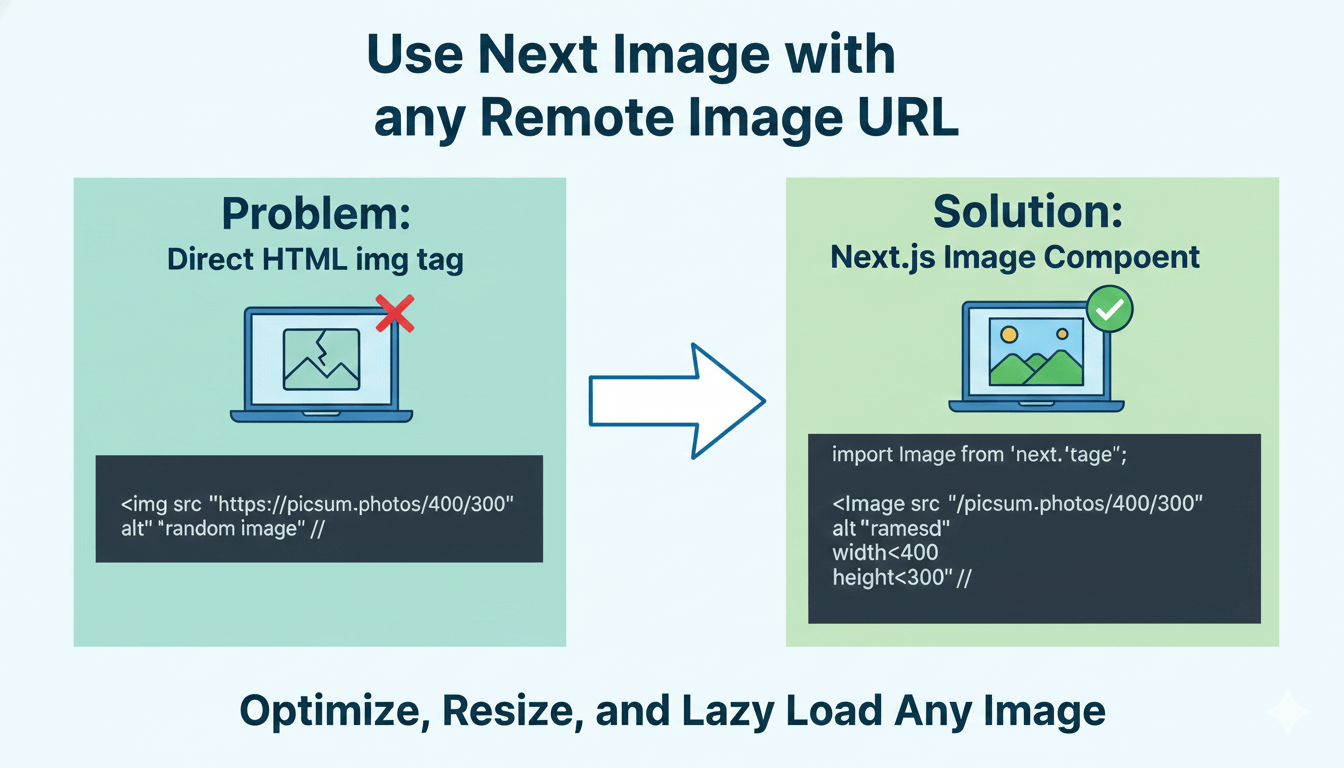
2) Use next/image
Replace:
<img src="https://..." /> → <Image src="https://..." width={...} height={...} alt="..." />If you don’t know the dimensions, use fill with a parent that has a stable size/aspect ratio.
3) Security note (SSRF)
If you have an admin/CMS that can save image URLs, don’t allow arbitrary hosts. Only accept:
- local paths (/images/foo.webp)
- https://*.imgcdn.dev/...
This prevents using your image pipeline as an SSRF vector.
4) Local dev gotcha: “resolved to private ip 64:ff9b::…”
On some networks, `imgcdn.dev` can resolve to a synthesized IPv6 address like `64:ff9b::...` (DNS64/NAT64). Next’s image optimizer may treat that as “private/unsafe” and refuse to fetch it, so images look broken locally.
Two easy fixes:
- Force IPv4-first for local dev:
NODE_OPTIONS=--dns-result-order=ipv4first pnpm dev If you only care about production optimization: render remote images unoptimized in dev (so they still show), and keep optimization enabled in prod.
Quick checklist
- next.config.js has images.remotePatterns for imgcdn.dev.
- All UI uses next/image.
- Admin inputs only accept local paths or https://*.imgcdn.dev (recommended).
- If dev logs show `64:ff9b::...`, use NODE_OPTIONS=--dns-result-order=ipv4first.