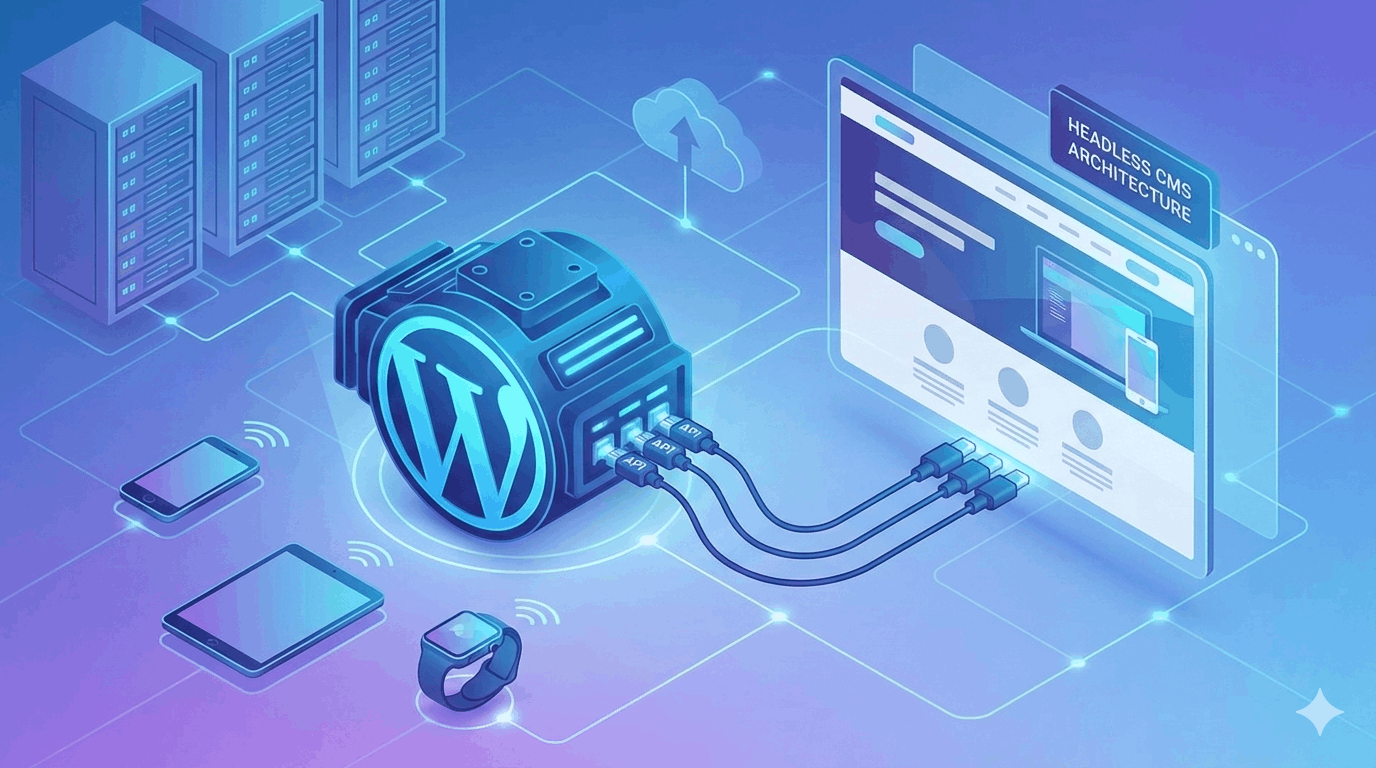
“Headless WordPress” means WordPress stops being your HTML renderer and becomes your content platform. Your frontend (Next.js, Nuxt, SvelteKit, native apps, etc.) consumes content via an API and ships the user experience independently.
If you already like WordPress’s strengths—editorial workflow, roles/capabilities, plugins, media library—headless can be a powerful upgrade. But it also introduces real complexity. This article is a practical blueprint to do it well.
1) When headless WordPress is the right choice
Headless is a great fit when you need:
- A modern frontend (design system, performance, app-like UX) that would be painful in PHP themes.
- Multiple clients (web + mobile + internal tools) consuming the same content.
- Strong editorial tooling with non-engineers publishing safely.
- Better control over performance (SSG/ISR, edge caching, partial rendering).
Classic WordPress themes are often better when:
- The site is small, mostly static, and time-to-market matters more than long-term flexibility.
- Your team doesn’t want to own two systems (WP + separate frontend).
- You depend heavily on theme-based plugins that assume “WordPress renders HTML”.
2) Reference architecture (a practical mental model)
A production headless setup usually looks like this:
- WordPress (backend): content, admin, media library, user roles, plugins.
- Frontend app: renders pages, handles routing, SEO, UI, and user interactions.
- CDN/Edge: caches frontend pages + assets; optionally caches some API responses.
- Optional supporting services:
- Search (Algolia/Meilisearch/Elastic) if content discovery matters.
- Image CDN for media optimization.
- Webhooks to trigger revalidation/rebuilds.
The goal is simple: WordPress is for editors, the frontend is for users.
3) API options: REST vs GraphQL (and how to choose)
Option A: WordPress REST API
The REST API is built-in (/wp-json/wp/v2/...), stable, and widely documented.
Pros:
- Available by default.
- Easy to debug (it’s just HTTP + JSON).
- Works well for simple “fetch posts/pages” needs.
Cons:
- You may need multiple requests for complex pages (post + author + categories + related content).
- Custom fields need additional plugins/strategy (ACF REST integration, custom endpoints, etc.).
Example: fetch a post by slug with minimal fields:
GET https://example.com/wp-json/wp/v2/posts?slug=hello&_fields=id,slug,title,excerpt,content,date
Option B: WPGraphQL
WPGraphQL is a popular plugin that exposes a GraphQL API.
Pros:
- Fetch exactly the shape you need in one request (good for page composition).
- Great developer experience for complex content models.
- Plays well with typed frontends and code generation.
Cons:
- Another dependency to operate and secure.
- Query complexity can become a performance footgun if you don’t set limits.
Example query: a post by slug
query PostBySlug($slug: ID!) {
  post(id: $slug, idType: SLUG) {
    id
    slug
    title
    date
    excerpt
    content
    author {
      node {
        name
      }
    }
  }
}
Practical rule:
- Use REST for straightforward “blog + pages” sites.
- Use GraphQL when you have many relationships (blocks/sections, related entities, nested content) and want fewer round trips.
4) Content modeling that doesn’t hurt later
Headless success depends on a clean content model:
- Use Custom Post Types for domain objects (e.g.,
case_study,press,docs). - Use Taxonomies for structure (topics, tags, industries).
- Avoid mixing “presentation” with content where possible.
For fields, you’ll usually pick one:
- Classic HTML (Gutenberg content) and render it on the frontend (with sanitization).
- Structured fields (ACF/Meta boxes) and build pages from clean JSON data.
- Hybrid: structured fields for layout + rich text fields for body sections.
If you’re serious about headless, prefer structured fields for everything that affects layout. It makes frontends easier to evolve without reauthoring content.
5) The hardest part: previews and drafts
Editors expect previews. Headless previews require coordination:
- WordPress knows “draft vs published”.
- The frontend must render drafts safely (auth required).
A common approach:
- Add a “Preview” button in WordPress that opens your frontend preview URL.
- Pass a short-lived token + content identifier (post ID/slug).
- The frontend enables “draft mode” and fetches the draft content via authenticated API.
Key principles:
- Don’t expose a global “preview everything” secret forever.
- Prefer signed, expiring tokens.
- Ensure preview pages are not indexed (noindex + block cache).
6) Publishing workflow: webhooks + revalidation
If your frontend uses static generation or caching, you need a publish trigger.
Typical flow:
- WordPress publishes/updates content.
- WordPress sends a webhook to your frontend (Netlify function / Next.js route handler).
- The frontend invalidates cache for affected routes (or revalidates tags).
In Next.js App Router, on-demand revalidation often looks like:
import { revalidatePath } from "next/cache";

export async function POST(req: Request) {
  const body = await req.json();
  if (body.secret !== process.env.REVALIDATE_SECRET) return new Response("Forbidden", { status: 403 });

  revalidatePath(`/blog/${body.slug}`);
  revalidatePath("/blog");
  return Response.json({ ok: true });
}
You’ll also want retry logic and logs, because webhook failures are “invisible” to editors unless you surface them.
7) Media: images, CDNs, and editorial hygiene
WordPress makes media easy, but headless introduces choices:
- Serve WordPress media directly (simple, but may be slower).
- Put images behind a CDN (best for global performance).
- Normalize how you store media URLs (absolute vs relative) to avoid environment bugs.
Editorial best practices matter more in headless:
- Require alt text.
- Enforce image size guidelines.
- Avoid uploading enormous originals without a compression strategy.
8) SEO in headless: avoid the common traps
Headless can be amazing for SEO, but only if the frontend does the job a theme used to do:
- Canonicals are correct (no duplicate routes).
- Titles/descriptions/OG tags are rendered server-side.
- Sitemaps include all indexable pages.
- 301 redirects exist when slugs change.
Be careful with WordPress SEO plugins: many of them output meta tags for theme rendering. In headless, you should treat WordPress as a metadata source, not the place where tags are injected.
9) Performance: make both sides fast
You’re now operating two performance profiles:
WordPress backend:
- Keep plugins lean and updated.
- Cache aggressively (page cache for public endpoints, object cache, DB indexes).
- Protect expensive endpoints (limits, pagination, query complexity).
Frontend:
- Cache pages (SSG/ISR/PPR where it makes sense).
- Use incremental updates instead of rebuilding everything.
- Memoize/stream and keep payloads small.
In practice: your frontend can be lightning fast, but if your API calls are slow (or unbounded), your pages will still stall.
10) Security: headless changes the attack surface
Headless reduces some risks (fewer theme PHP vulnerabilities on the public site), but it adds others:
- Your API is now a first-class product; secure it.
- Lock down admin routes, disable legacy endpoints you don’t use (e.g., XML-RPC if not needed).
- Use strict auth for preview/draft access.
- Consider rate limiting and WAF rules on
/wp-json/and GraphQL endpoints.
If you use WPGraphQL, treat query complexity like a resource: implement depth/complexity limits and consider persisted queries for “known” operations.
11) Migration strategy: don’t go all-in on day one
The safest migration path is incremental:
- Start headless for one section (e.g., blog).
- Keep the rest theme-rendered (or redirect to the new frontend).
- Move content models and workflows gradually.
- Kill the theme only when the frontend owns all public routes.
This avoids a “big bang” rewrite and lets you prove that previews, SEO, and publishing are solid.
12) Production checklist (quick)
- [ ] Preview flow works and is secured (expiring tokens, noindex).
- [ ] Webhooks + revalidation are reliable (retries + logging).
- [ ] Caching strategy is defined (frontend pages + API responses).
- [ ] SEO is implemented in the frontend (metadata + sitemap + canonical + redirects).
- [ ] WordPress is hardened (updates, plugin hygiene, endpoint protection).
- [ ] Media strategy is clear (CDN, optimization, consistent URLs).
Headless WordPress is a trade: you keep WordPress’s publishing power and gain frontend freedom, but you now own the glue. If you invest in previews, webhooks, and a clean content model early, the system stays enjoyable for both developers and editors.