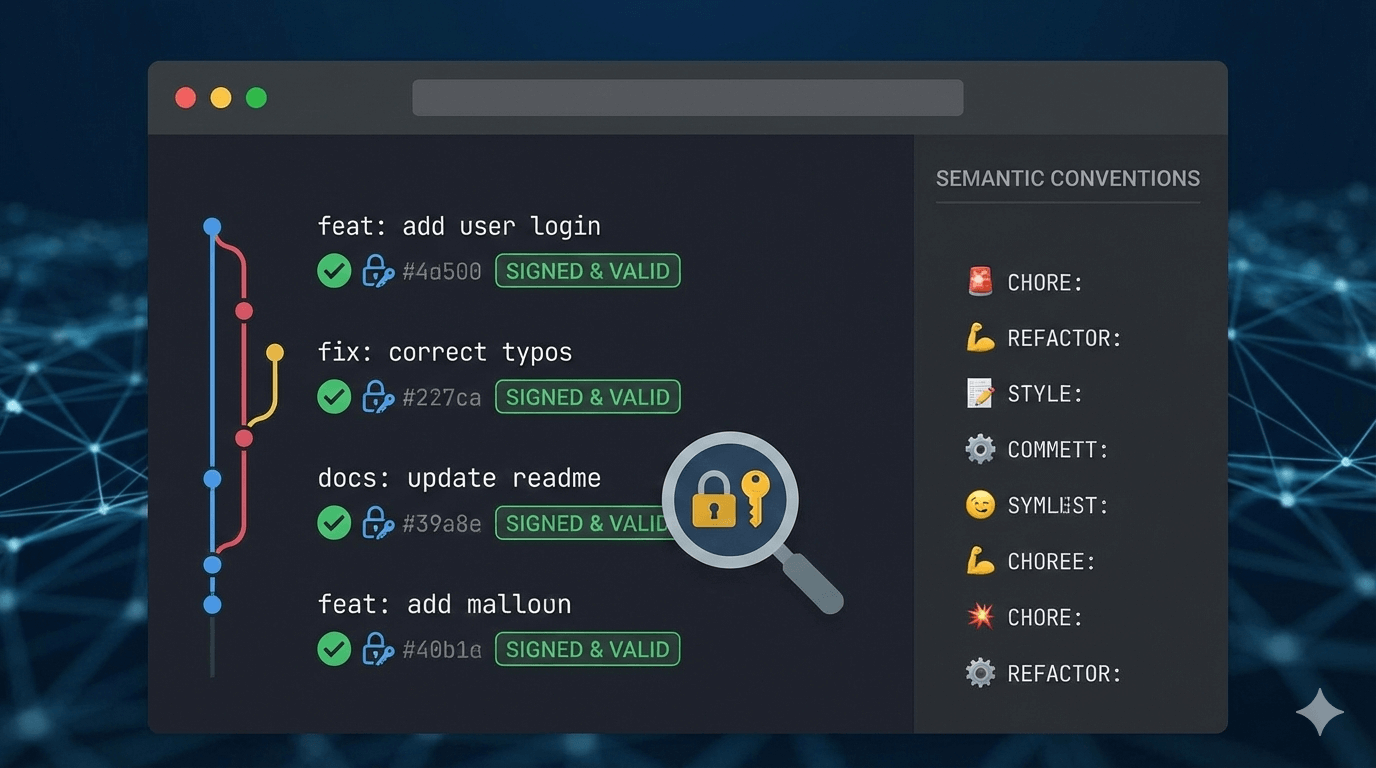
When a codebase grows, two problems appear fast: messy history and uncertain provenance. Semantic commits solve the first by making changes easy to scan. Signed commits solve the second by proving who authored the change. Used together, they create a validation layer that helps reviews, automation, and security.
Why semantic commits matter
Semantic commit messages follow a consistent pattern, usually:
<type>(optional scope): short summary
Examples:
feat(hire): add Upwork CTAfix(media): handle missing thumbnailrefactor(auth): simplify callback flow
Benefits:
- Faster code reviews (what changed, why, where)
- Cleaner release notes and changelogs
- Easier searching in git history
- Stable automation (CI or release tooling can parse your intent)
Even if you do not automate releases, semantic commits help humans.
Why signed commits matter
A signed commit proves the commit really came from you and wasn’t tampered with.
Git can verify signatures using GPG or SSH keys, and platforms like GitHub show a “Verified” badge.
Benefits:
- Protects against supply-chain attacks
- Confirms authorship for compliance or audits
- Builds trust in multi‑maintainer projects
For teams handling sensitive work, signed commits are a quiet but important safety net.
Use both for validation
Think of semantic commits as “what changed” and signed commits as “who changed it.”
Together they give reviewers context and confidence without extra overhead.
Practical setup
1) Enforce semantic commits
You can do this manually with a team guide or add a Git hook:
commitlint+huskyto validate commit messages- A short
CONTRIBUTING.mdexplaining allowed types
Common types:
feat: new featurefix: bug fixdocs: documentationrefactor: code changes without behavior changechore: maintenance tasks
2) Enable signed commits
There are two common ways:
GPG (traditional)
# generate a key
 gpg --full-generate-key

# list keys and copy your key id
 gpg --list-secret-keys --keyid-format=long

# tell git to sign by default
 git config --global user.signingkey <YOUR_KEY_ID>
 git config --global commit.gpgsign true
SSH (simpler for many devs)
# generate a signing key (can reuse your auth key)
 ssh-keygen -t ed25519 -C "you@example.com"

# configure git to use SSH signing
 git config --global gpg.format ssh
 git config --global user.signingkey ~/.ssh/id_ed25519.pub
 git config --global commit.gpgsign true
Then add the public key to your Git hosting provider as a signing key.
Team policy tips
- Start with “recommended,” then enforce when adoption is smooth.
- Document examples and edge cases (reverts, merge commits, release commits).
- Allow
chore:orci:for pipeline‑only changes.
Common pitfalls
- Signing fails because the key is not trusted or not loaded.
- CI or merge bots may need their own signing key.
- Semantic commits become meaningless if scopes are inconsistent.
Closing thought
Semantic commits tell a clean story. Signed commits verify the storyteller. Together they build a history that is readable, trustworthy, and automation‑friendly.