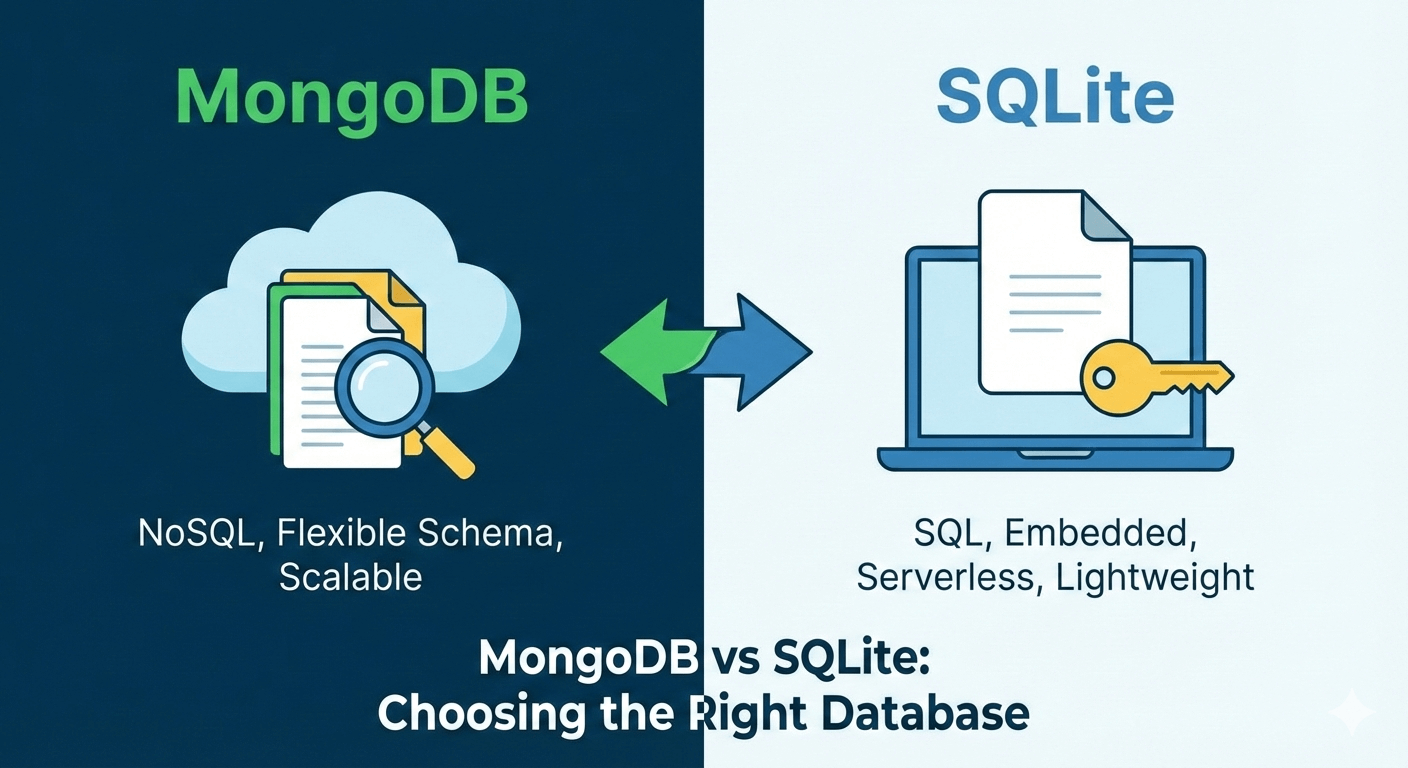
MongoDB and SQLite solve very different problems. MongoDB is a document database designed to run as a server and scale across machines. SQLite is an embedded relational database that lives inside your application and stores data in a single file (or a libSQL/Turso-backed replica).
This article explains what each one is, how they differ, and how to choose the right tool.
What is MongoDB?
MongoDB is a NoSQL document database. Data is stored as flexible JSON-like documents (BSON) inside collections. Instead of tables and rows, you typically model data as nested objects and arrays.
- Great for rapidly evolving schemas and heterogeneous records.
- Query via MongoDB Query Language (MQL), plus aggregation pipelines.
- Often used with managed hosting (e.g., MongoDB Atlas) for backups, scaling, and ops.
What is SQLite?
SQLite is a lightweight SQL relational database that runs in-process with your app. It’s “serverless” in the sense that there’s no separate DB server to run and maintain.
- Stores data in a single database file (or uses remote replication via libSQL/Turso).
- Uses SQL, transactions, and relational constraints.
- Excellent for local-first apps, prototypes, and small-to-medium workloads.
Key differences
1) Data model
- MongoDB: documents/collections (nested data is natural).
- SQLite: tables/rows (relationships via foreign keys).
2) Query style
- MongoDB: MQL + aggregation pipelines (powerful for document transforms).
- SQLite: SQL (joins, constraints, and mature tooling).
3) Deployment & operations
- MongoDB: typically a separate service (self-hosted or managed), network access, monitoring, backups, scaling strategy.
- SQLite: embedded file DB (minimal ops). With Turso/libSQL you can get hosted + replication while keeping SQLite semantics.
4) Concurrency
- MongoDB: built for concurrent networked workloads.
- SQLite: great for reads; writes are serialized at the DB level (often fine for many apps, but it’s a real constraint for high-write traffic).
When to use MongoDB
- You have rapidly changing requirements and want flexible documents.
- Your data is naturally nested (events, content blocks, logs, activity streams).
- You need a database that’s designed for horizontal scaling and high concurrency.
- You want to lean on managed ops (Atlas) and avoid running your own infra.
Tip: MongoDB works best when your access patterns align with document boundaries (fetch a document and most of what you need is inside it).
When to use SQLite
- You want zero/low ops and a simple, reliable database.
- You need strong relational modeling, constraints, and straightforward SQL.
- You’re building a local-first app (desktop/mobile) or a small-to-medium web app.
- You’re building a content site (blog/CMS) where reads dominate and write volume is manageable.
SQLite is everywhere (browsers, phones, embedded devices). With Turso/libSQL, you can keep SQLite while getting hosted replication and edge-friendly reads.
Pros and cons
MongoDB — pros
- Flexible schema, good for evolving data models.
- Great at storing nested/variable documents.
- Scales and handles concurrent workloads as a networked database.
MongoDB — cons
- More operational surface area (clusters, backups, monitoring) unless fully managed.
- Relational-style joins/constraints require careful modeling and may not feel as natural.
- Costs can grow quickly with scale and storage.
SQLite — pros
- Simple: single file, fast setup, minimal infrastructure.
- SQL ecosystem: mature tooling, migrations, and predictable modeling.
- Great performance for many read-heavy workloads.
SQLite — cons
- Write concurrency is limited (serialized writes).
- Not a traditional “clustered” server DB on its own (Turso/libSQL helps, but it’s still SQLite semantics).
Choosing quickly
- If you need a server database designed for high concurrency and flexible documents: choose MongoDB.
- If you want the simplest reliable SQL database with minimal ops: choose SQLite (or Turso/libSQL for hosted replication).
In practice, I often start with SQLite for personal projects, prototypes, and content sites, then move to a bigger server DB only when the constraints show up in production metrics.