E2E Testing This Repo (Matching Real User Expectations)
Unit tests are great for logic, E2E tests help ensure the actual user flows keep working: navigation, rendering, forms, and API wiring.
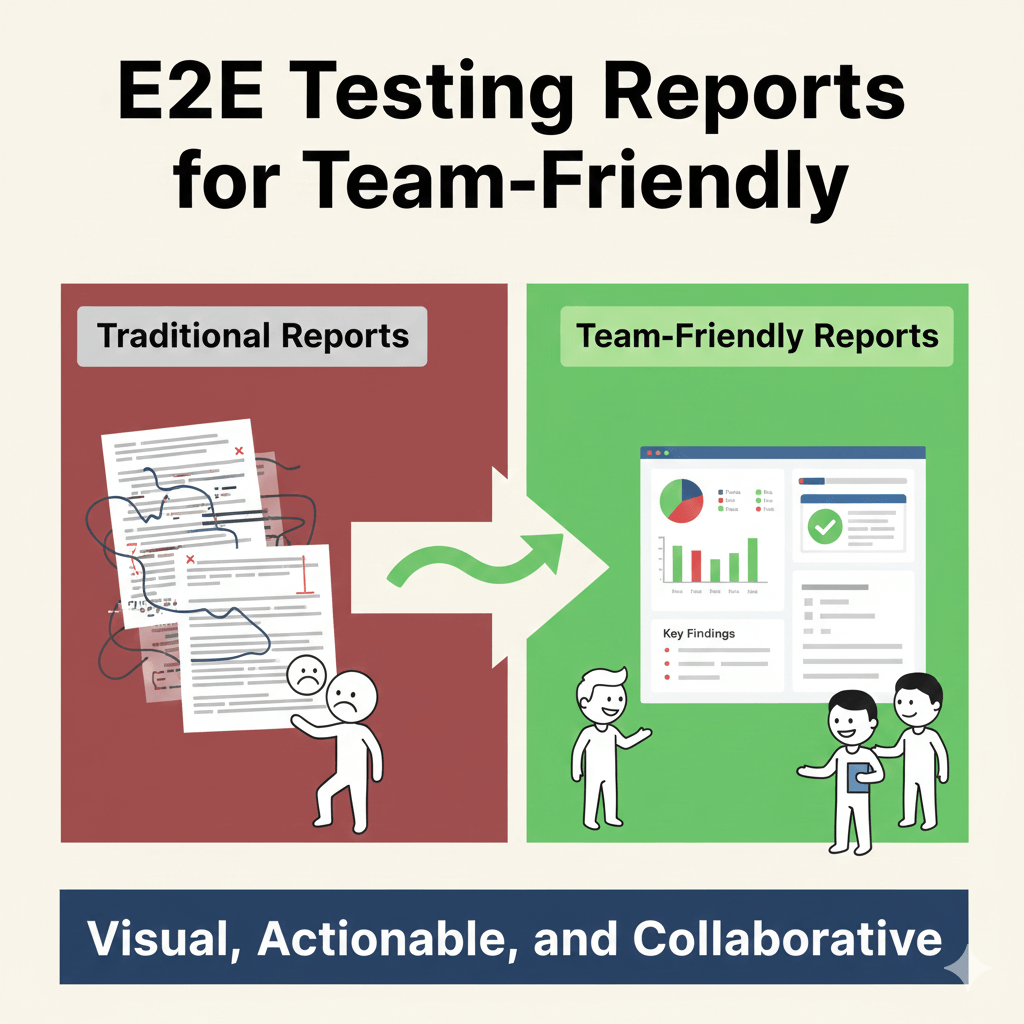
I previously wrote about team-friendly E2E reports (2021): https://medium.com/dana-engineering/e2e-testing-reports-for-team-friendly-5ae2d9721ce3 . This post is the how we can apply that idea to project version.
What to test (user journeys > components)
Start with a small “smoke” suite that matches expectations:
- Home loads and key sections render (profile, weather, public IP widget).
- Blog list renders and a post page opens.
- Developer tools pages render (JWT/Base64/Gitignore/Slug generator).
- Guestbook: submitting shows success (and error states are friendly).
- Admin: unauthenticated users are blocked; login screen is reachable.
Add deeper tests only after smoke tests are stable.
Recommended tool: Playwright
Playwright is fast, cross-browser, and ships with an excellent HTML report. That report is what you want to publish per-PR or per-build for easy review (the “team-friendly” part).
Typical setup (PNPM):
pnpm add -D @playwright/test
pnpm exec playwright install
Run locally:
pnpm dev
pnpm exec playwright test
pnpm exec playwright show-report
Data strategy (avoid flaky tests)
- Prefer a local SQLite file DB for tests (fast, isolated).
- Seed minimal fixtures (e.g. a couple of blog posts, one project, one published guestbook entry).
- For guestbook submission tests, use a test-only CAPTCHA bypass (environment-guarded), or test only the “blocked without captcha” path in CI.
If you need production parity locally, this repo already has scripts to pull from Turso and seed locally; keep E2E fixtures separate so tests don’t depend on real data.
Reporting strategy (make it reviewable)
For day-to-day work:
- Use Playwright’s HTML report.
- Capture screenshots/videos only on failure (keeps reports small).
- Upload the report as a CI artifact, or publish it to a static URL per build.
When a test fails, the report should answer:
- Which user journey failed?
- What page state was expected vs. actual?
- Screenshot + trace to replay quickly.
Practical tips
- Keep tests resilient: assert on roles/text (e.g. `getByRole("heading", { name: "Blog" })`) rather than brittle CSS selectors.
- Use `data-testid` only where semantics aren’t enough (complex editors, custom dropdowns).
- Avoid testing OAuth in CI unless you have dedicated test credentials; focus on auth gating + UI states.
Next steps
- `e2e/` folder + a smoke test suite.
- a CI-friendly config and a report artifact setup
- a documented “local run” flow for contributors